
01
Reinforce the Recommendation
An independent assessment shows the customer that your team is taking the condition seriously and following a disciplined process.
Apex brings independent answers, organized documentation, and clear direction into the project—without competing for the remediation work.
The goal is simple: help your team look prepared, help the customer understand the condition, and help the project move forward with fewer loose ends.
Recommending the right independent professional does not make the restoration company look less capable. It makes the entire project look more professionally managed.
An independent assessment shows the customer that your team is taking the condition seriously and following a disciplined process.
Clear findings, mapped areas, and practical direction reduce confusion and make the next step easier to explain.
Organized field information and defined responsibilities reduce unnecessary back-and-forth between stakeholders.
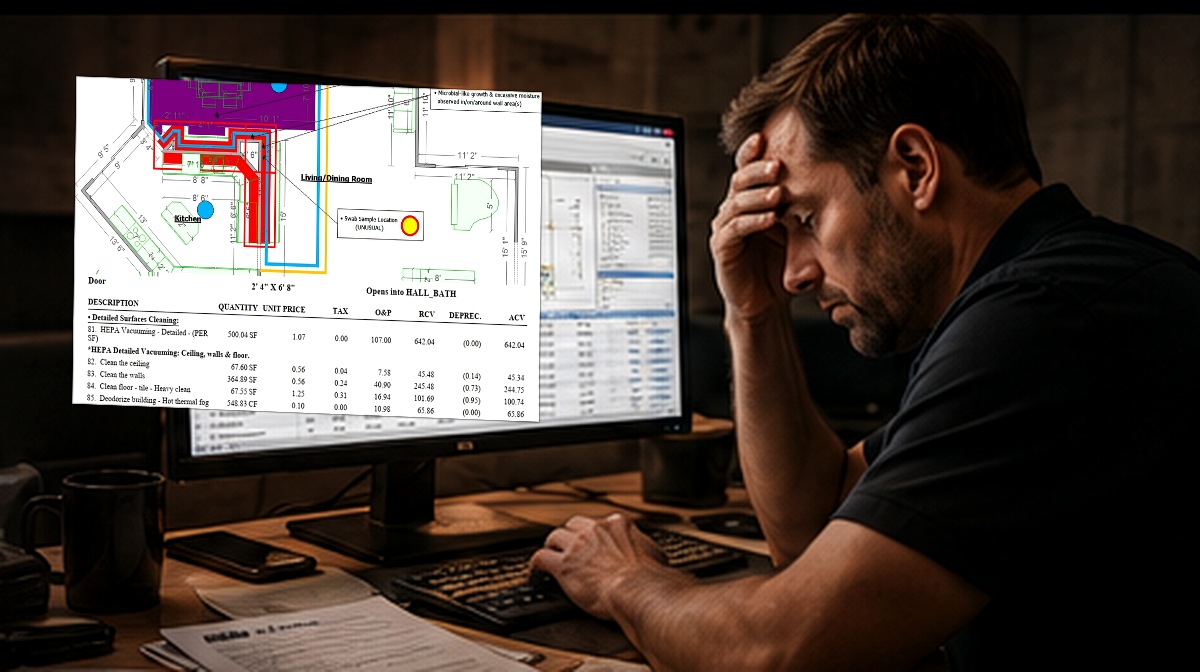
Too often, an assessment ends with a PDF—leaving the restoration team to recreate measurements, rebuild the sketch, organize field notes, interpret the scope, and develop the customer estimate from the beginning.
Apex carries the technical file further. Applicable full assessments include organized field documentation and a native Xactimate ESX. When more support is needed, Apex can also assist with estimate development under a separate assignment using your team’s operational input.
Use Apex for the assessment, the native field file, estimate-development support, or the combination that best fits the project.
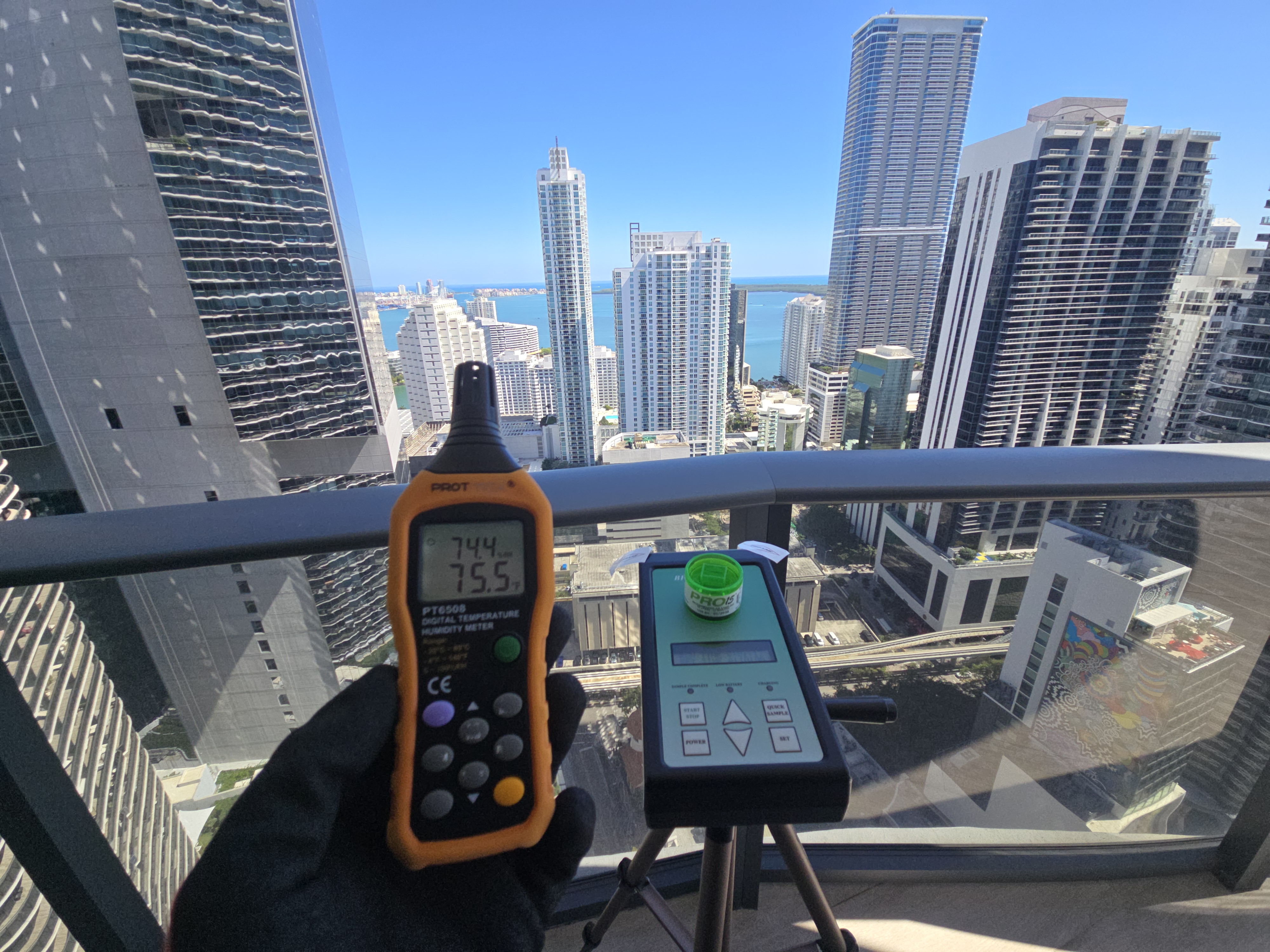
Visual evaluation, moisture and thermal diagnostics, sampling when appropriate, and professional interpretation.
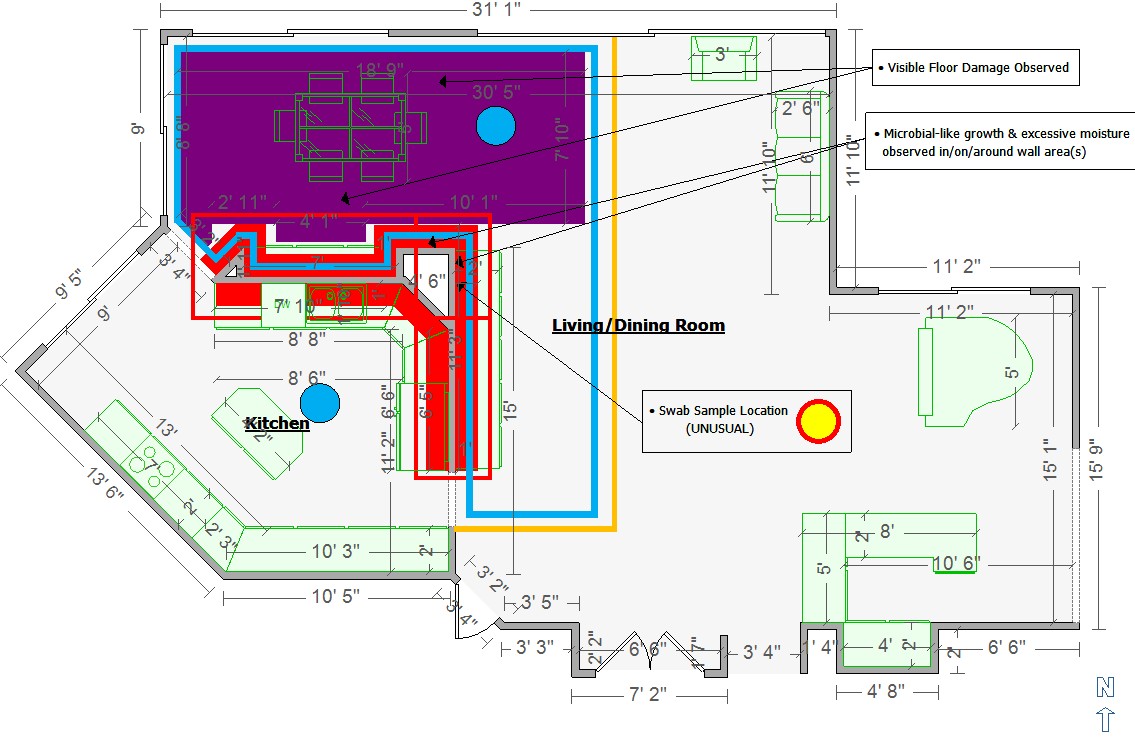
Field findings remain independent.To-scale geometry, photographs, annotated notes, room-by-room direction, and defined areas of concern.
Clear enough to work from.Organized findings, laboratory data when applicable, visual evidence, measurements, and project documentation.
Built for third-party review.A native, editable Xactimate ESX is delivered with the applicable full assessment—not merely a screenshot or PDF.
The unexpected advantage.Under a separate assignment, Apex can draft and revise the estimate using scope and operational direction from your team.
Your input. Your final approval.The assessment can remain useful after the report is issued—supporting customer communication, project coordination, estimating, and the next professional step.
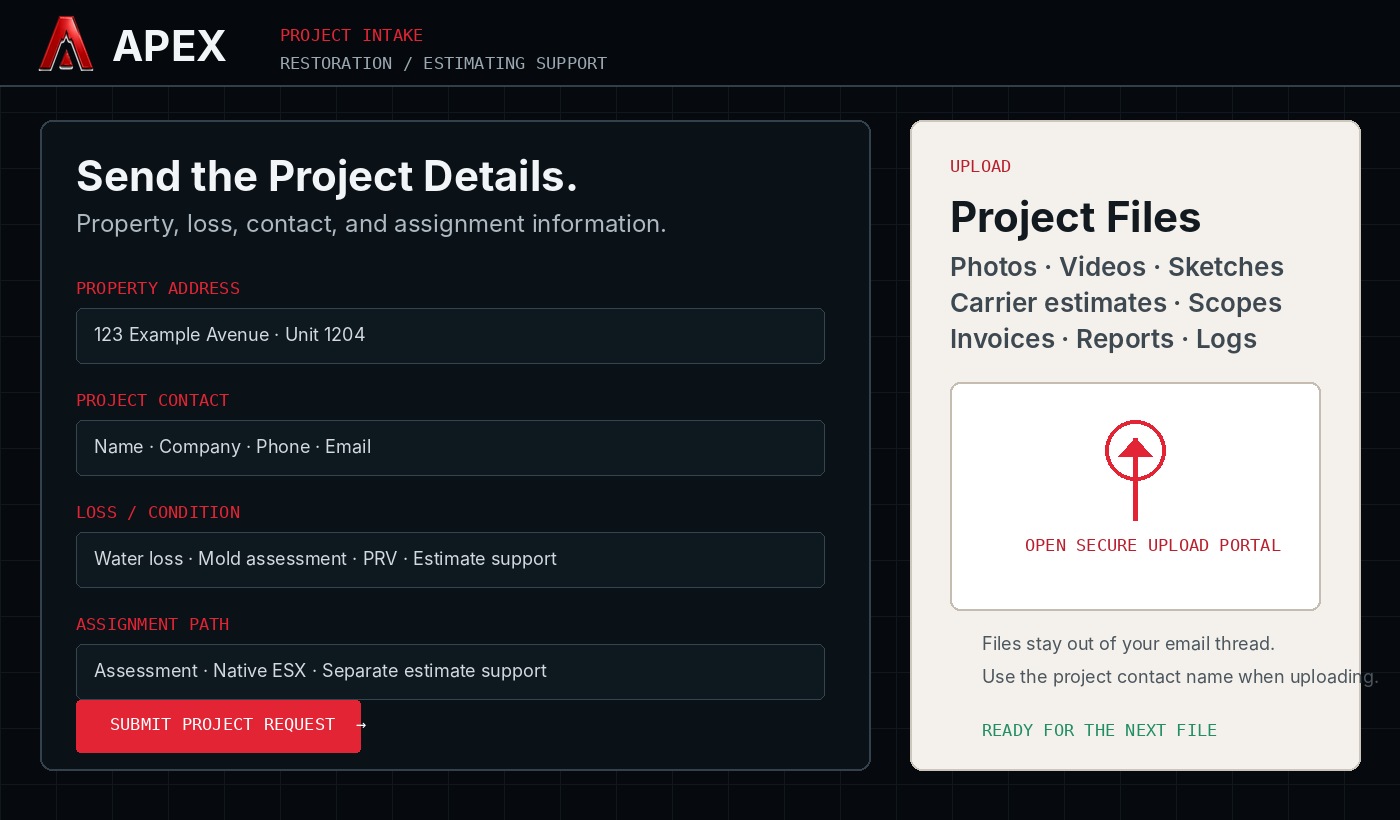
Apex already has a focused project-intake pathway and a dedicated upload portal for restoration and estimating information.
Submit the property, loss, contact, and assignment details. Then upload photographs, videos, sketches, measurements, carrier estimates, contractor scopes, invoices, reports, and supporting records without trying to force everything through email.
Strengthen confidence. Organize the field file. Move forward with clearer direction.